
Gravity Switch Tips: 9 Habits That Save Restarts
Nine Gravity Switch habits that cut restarts: read the dots first, use walls as stops, restart early, and stop treating portals as shortcuts too soon.
Quick answer: the players who finish Gravity Switch in two hours are not faster, they are more willing to stand still. The nine habits below are the ones that matter most in the first twenty stages, and every one of them is about planning the stop before the push instead of reacting after it. If you want the rule set first, read the mechanics page→; if you are already past stage 20, the hazards page→ is the better use of five minutes.
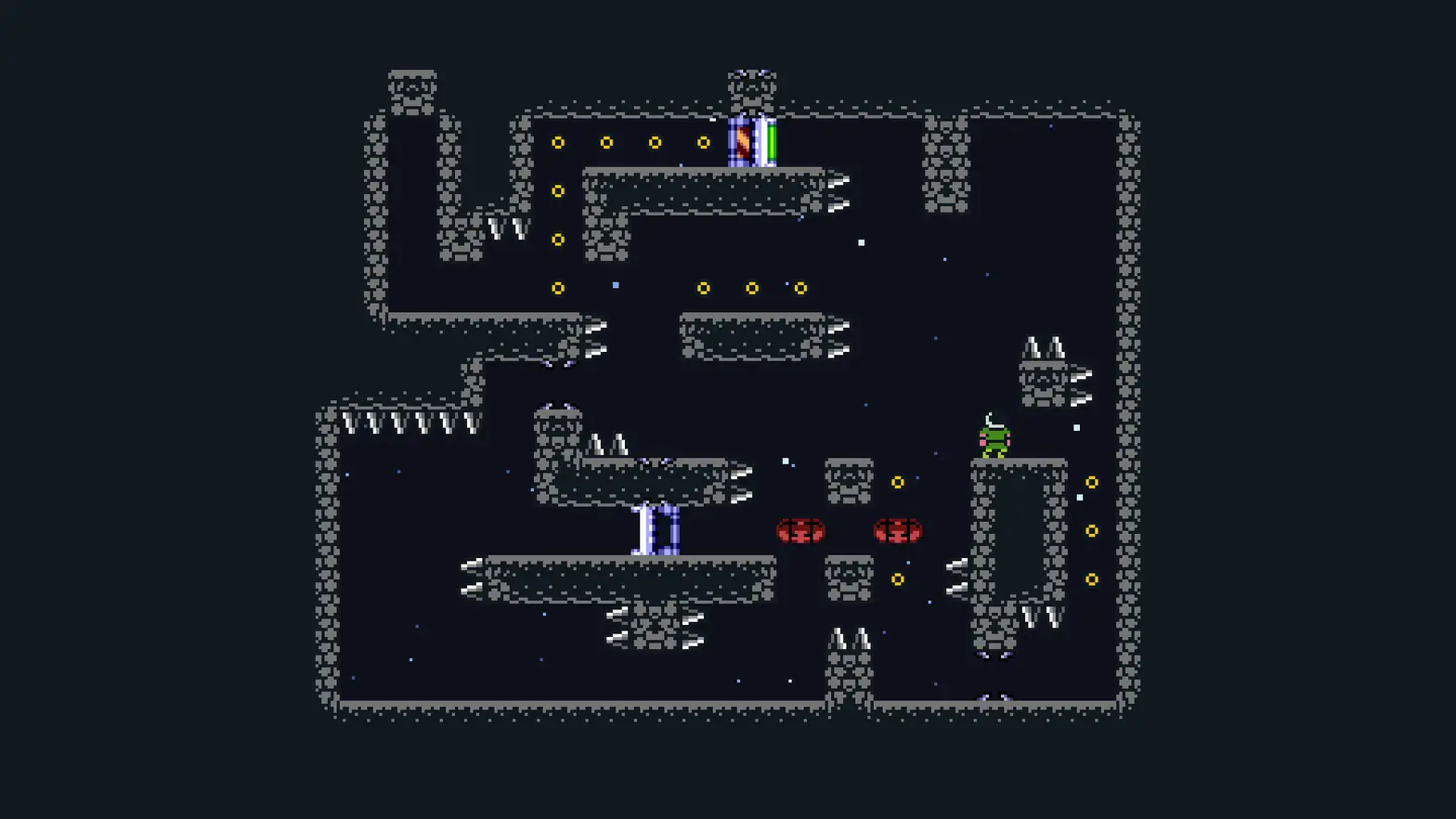
1. Count the dots before you move
The counter at the bottom of the screen tells you how many dots are left in the room. That number is the length of the route. A stage with three dots is a three-slide problem and a stage with twelve is a loop you have to enter and exit cleanly. Counting takes two seconds and saves the exploratory first attempt that most players waste.
2. Name the stop before you push
Every slide ends on something. Before you press a direction, say which object ends it: the north wall, the blade track, the portal, the crystal. If the answer is "I will find out", you are about to die or about to land somewhere you did not plan.
If you cannot name the stop within two seconds, the room is not read yet. Stand still, look at the edges, then push.
3. Treat walls as tools, not scenery
A wall on the far side of a dot is the reason you can land next to that dot. This single reframe is the difference between fighting the controls and using them. In the opening block most rooms are solved by picking the wall you want to bounce off, not by picking the direction that looks closest to the dot.
4. Restart early, restart often
Restarts are instant and free. A salvage attempt where you are three slides deep and no longer sure of the route costs thirty seconds; a restart costs one. From stage 10 onward the correct response to "that push was wrong" is the restart button, not a recovery plan.
5. Do not chase a dot through a spike gap
If a dot sits in a pocket surrounded by spikes, the entrance is usually a single tile, and the exit is a different single tile. Players die here because they enter through the gap that looks closest to their current position. Enter through the gap that lets the next slide end on open floor.
| Situation | Tempting move | Better move |
|---|---|---|
| Dot in a spike pocket | Enter from the near gap | Enter from the gap with a clear exit |
| Two dots on opposite edges | Zig-zag between them | Sweep one edge, then the other |
| Crystal visible early | Slide to it now | Save it for last, it ends the stage |
| Blade crossing your lane | Push and hope | Watch one cycle, then push |
6. Save the crystal slide for last
The crystal ends the stage the moment you touch it, and it will not activate until the room is empty. That makes it a free "exit tile" you should plan around: work out which direction you want to arrive from, and leave that lane clear until the final push. Arriving early is harmless but wastes the slide.
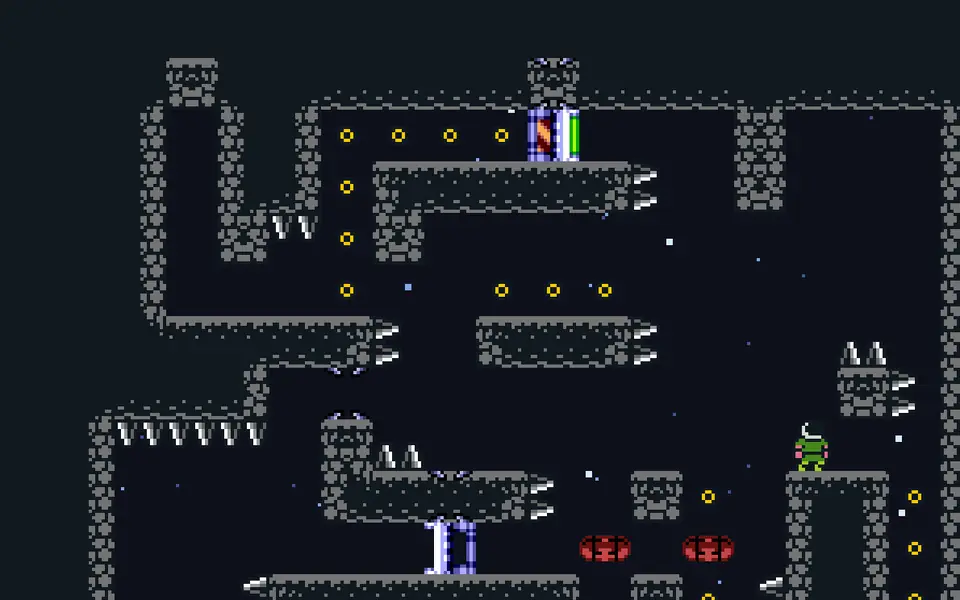
7. Do not use portals as shortcuts in the early blocks
Portals skip segments, and segments contain dots. In the forest and violet blocks the fastest-looking route through a portal is often the one that leaves two dots behind, which sends you back around the loop. Take the long way once, then decide whether the portal saves anything.
8. Read blades as a beat, not a wall
A static blade is a wall. A moving blade is a window. Watch one full cycle from a safe tile before you commit to a lane it crosses, and push just after it passes rather than just before it arrives. This is the habit that separates a five-minute late stage from a fifteen-minute one.
Hazard timing is fixed. A cycle you watched on the last attempt is the same cycle on this one, which means dying to a blade always buys you information.
9. Play five stages, then stop
The game is built in blocks of five, and the art changes at each block boundary. That makes five stages a natural session: long enough to learn the block's new hazard, short enough that fatigue does not cost you the last stage. On Switch this is a train ride; on PC it is a coffee break.
What not to worry about
A few things that are not worth your attention:
- Score or rank. There is none. The game does not grade your route.
- Achievements. The Steam version has no achievements, so there is nothing missable.
- Language settings. The PC build is English-only and has almost no text beyond menus.
- Performance. The minimum spec asks for Windows 10 and any graphics device, and the Switch build is 269 MB.
Where these habits pay off
The opening ten stages forgive almost anything, which is why bad habits survive that far. Block three and four are where the game starts charging for them: portals appear, dots sit behind spike pockets, and the route stops being obvious. If you are stuck in the middle of the game, the stage 11 to 15→ and stage 16 to 20→ pages walk through the transition.
Official source: Steam store page ↗ for the instant-restart and dot-collection design; Nintendo eShop listing ↗ for the handheld and docked modes.; the PlayStation Store listing ↗ for the PS5 release; ERMedia ↗ for the developer's release history.
FAQ
Is Gravity Switch hard for beginners?
The first ten stages are gentle and teach the slide without hazards. The difficulty arrives in the middle blocks, where portals and blades combine.
How many attempts should a stage take?
One to three in the opening block and three to eight in the late blocks. More than ten usually means the route is being read wrong, not that the stage is unfair.
Should I use a controller or keyboard?
Either works. A d-pad makes the four directions less ambiguous, which helps in the portal blocks where a wrong input sends you across the room.
Can you undo a move?
No. There is no undo, only restart, which resets the stage instantly.
Does dying cost anything?
Nothing beyond the attempt. Dots, blades and portals reset to their starting state.